 Baby's Day In
Get the app
Baby's Day In
Get the app
Baby's Day In
Get the app
Baby's Day In
Get the app
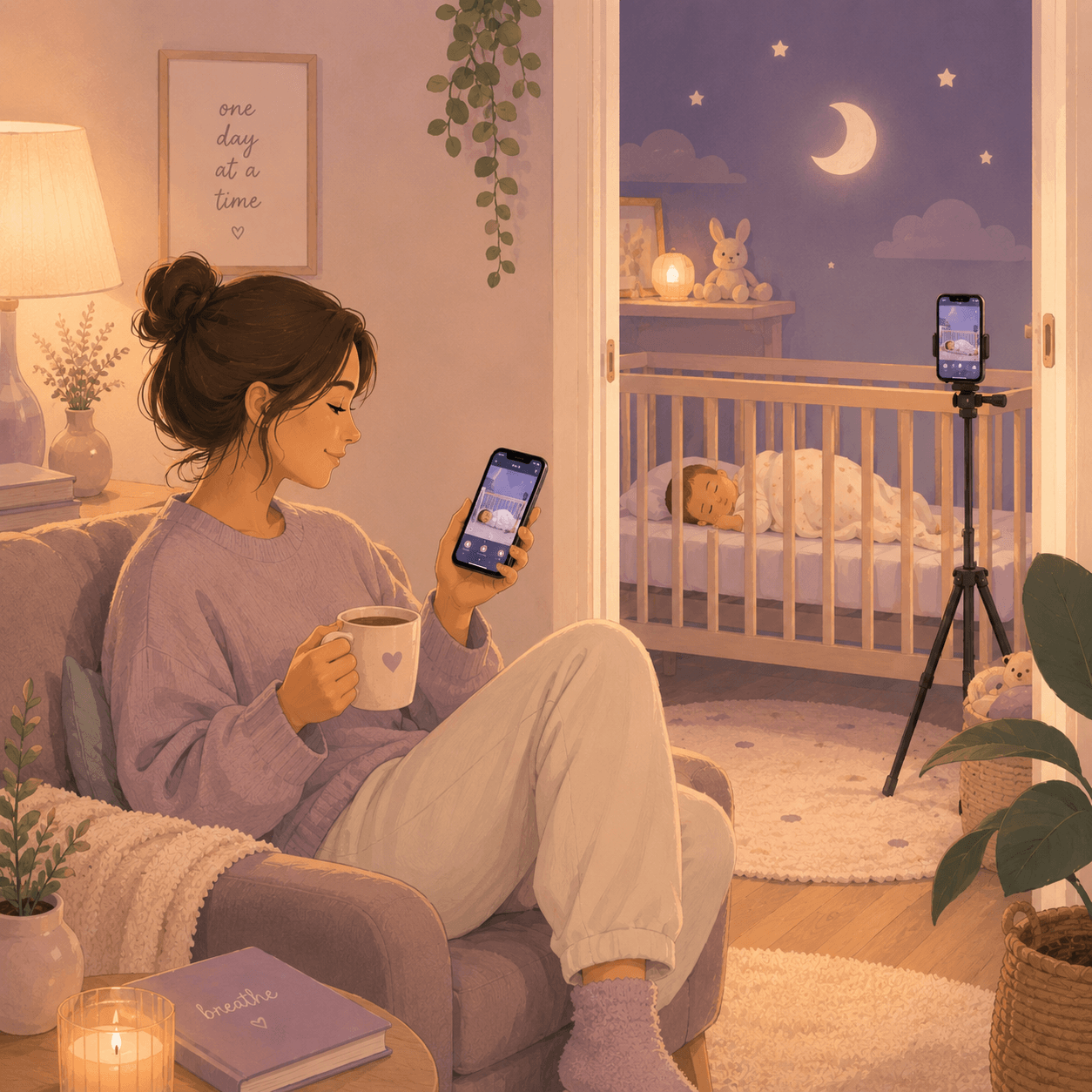
You just need two smartphones: one phone stays near the crib, one stays with you. No expensive cameras to buy. No extra devices to charge.
Any older iPhone, Android device, or tablet works perfectly. As long as it turns on and connects to Wi-Fi.
The phone you already use every day. This is where you monitor, listen, track routines and get alerts.
Any spare phone near the crib becomes the nursery monitor. Plug it in, prop it up and leave it there.
Just connect both phones to Wi-Fi and you're good to go.
We timed it. The only longest part is usually finding the spare phone charger.
Sign into the same account on both phones, then choose which one stays near the crib.
~ 60 seconds
Enter the four-digit code shown on your main phone. Pairing done.
~ 30 seconds
Plug the phone in, point it toward the crib, and check the live preview. Once it's placed, monitoring keeps running quietly in the background.
~ 90 seconds
Open the app on your phone and the live feed is already there. Alerts, soothing and tracking start working automatically from this point on.
You're monitoring now
Invite your partner, a grandparent, or anyone helping care for your little one. They can monitor and stay informed while you remain in control.
Head to Settings and open Connected Devices. This is where you manage every phone and caregiver connected to your account.
Settings → Connected Devices
Enter their email address and send an invite. They'll receive a link to join your family account.
~ 20 seconds
See who's joined, who's still pending, and remove access whenever you need to.
Always in Connected Devices
Your account, recordings, settings and connected devices will be permanently removed. Once deleted, they can't be recovered.
Head to Settings and select My Account.
Settings → My Account
You'll find the option at the bottom of the page, separated from the rest of your account settings. We'll ask for confirmation before anything is deleted.
My Account → Delete My Account
Enter your password and confirm your decision. Once deleted, your account and all associated data are permanently removed.
This cannot be undone
If you still have questions, we're easy to reach.
No. Two phones, one Wi-Fi network. That's the whole list. Spare phone in a drawer counts.
iOS 15 or Android 9 is the floor. An iPhone 7 or a Pixel 3 will work. The nursery phone doesn't need to be fast — it's just a camera and a microphone with a screen.
End-to-end encrypted. The stream travels between your two phones over your home Wi-Fi. We don't see it. We don't record it. Nothing is stored on a server.
We trained it on a research-grade dataset of infant cries, and we validated it with parents using the app every day. It classifies into three categories — hunger, tired, discomfort — at about 88% agreement with parent labels at four months. We tell you when it's not sure. We never tell you it's certain when it isn't.
Auto-Soothe plays through the nursery camera's speaker, not your phone. Volume is configurable. Alerts to your phone are silent by default at night, with a soft vibrate.
Yes — invite anyone to view from their own phone. You stay in control of access. Removing a viewer is one tap, and the change is immediate.
The core monitoring, Auto-Soothe, activity logging and the doctor's report are free. We may add a paid tier later for things like multi-baby support and extended history. Anything you set up today stays as it is.
The nursery phone keeps recording locally and resumes streaming as soon as the network returns. You get a notification within 20 seconds if the connection breaks.