Find the help you need.
Search every question, or pick a topic below. We're here with you, day and night.
Browse by topic
Pick the part of the app you need help with. The questions below filter to match. Setting up the phone by the crib? Run the nursery phone checklist.
First-time setup, pairing your two phones, and the permissions the app needs.
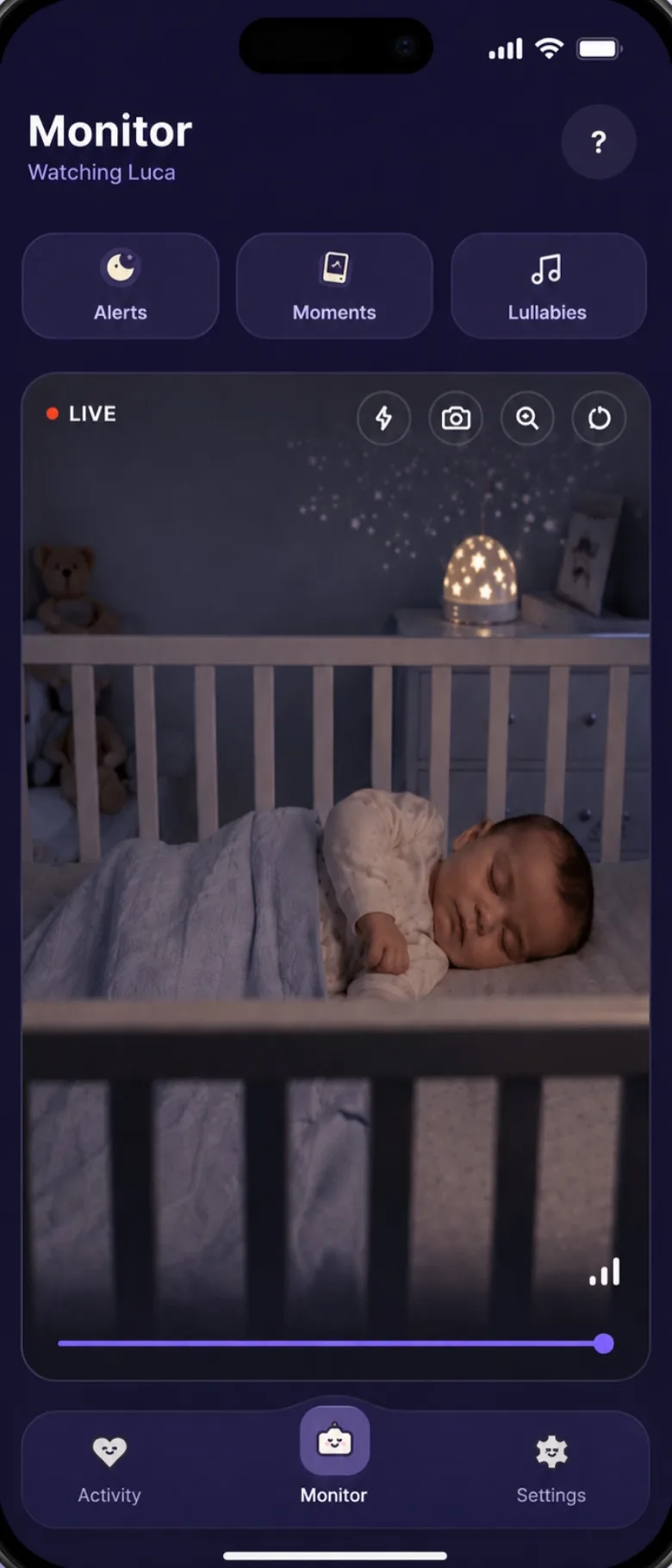
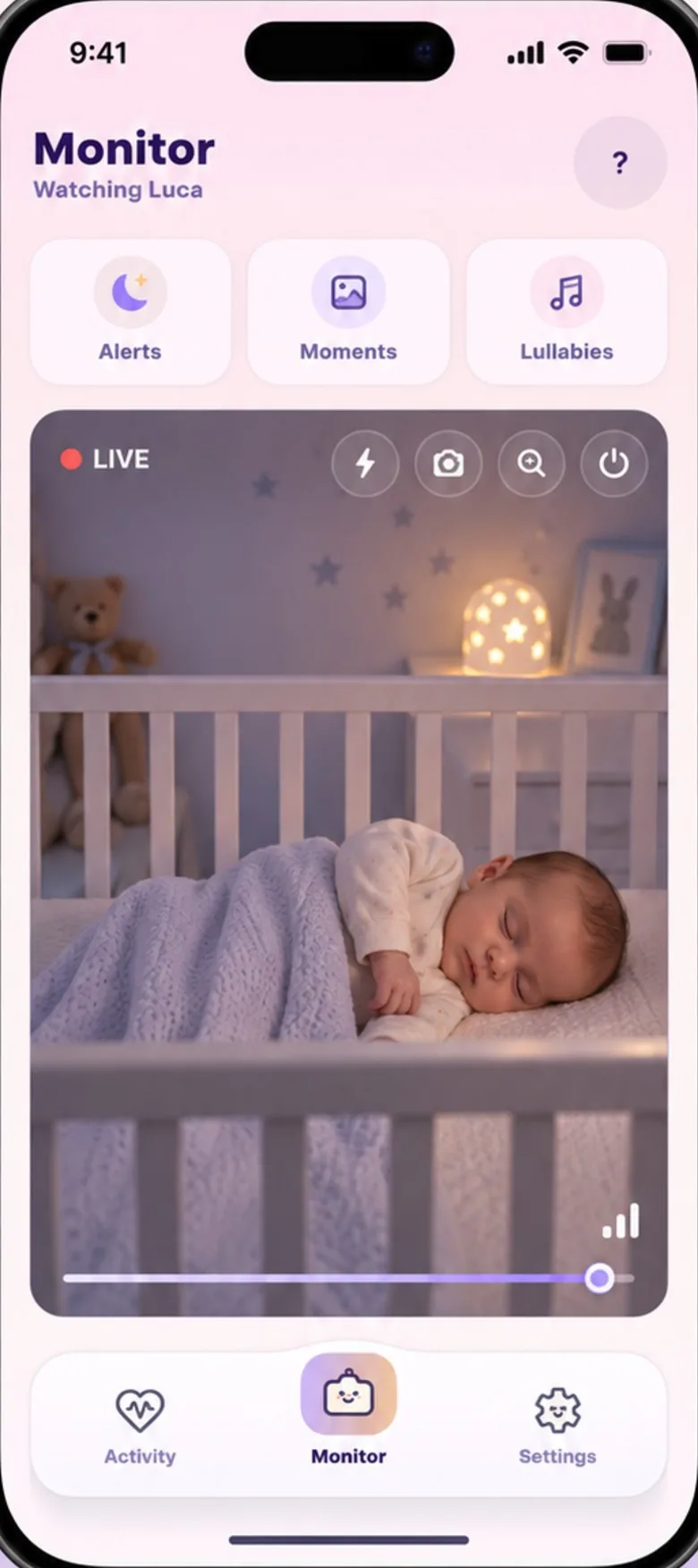
2 questionsLive video, placement tips, and what happens when the screen locks.
2 questionsHow Auto-Soothe works, choosing the right sound, and recording your own voice.
2 questionsSleep scores, feed logging, cry patterns, and the weekly report you can bring to the doctor.
3 questionsYour profile, your data, and deleting your account.
3 questionsConnection drops, missing alerts, battery drain, and step-by-step fixes.
2 questionsQuick answers.
The questions we hear most. Filter by topic, or read through the lot.
Open Baby's Day In on both phones and sign into the same account. Choose which phone stays near the crib, then enter the six-digit code shown on your main phone. That's the pairing done.
The two phones don't need to be on the same Wi-Fi. Each just needs an internet connection. Make sure camera and microphone permissions are granted on the nursery phone; the app prompts you if anything is missing.
The nursery phone needs Camera, Microphone, and Notifications. Your phone (the monitoring phone) only needs Notifications and, optionally, Microphone if you want two-way talk.
We never access your camera or microphone in the background beyond what's needed for the active monitor session. All streams are encrypted and never uploaded to our servers.
The most common cause is the nursery phone's screen having fully turned off and iOS or Android suspending the app. Try these steps in order:
1. On the nursery phone, set the screen timeout to "Never" while the monitor is active. You can find this in Display settings.
2. Make sure Baby's Day In has Background App Refresh enabled.
3. If the issue persists on a different network, force-quit and reopen the app on both phones.
The nursery phone checklist walks through these settings for Android and iPhone.
Place the nursery phone on a dresser or shelf at least 1 metre from the crib, angled down so the whole sleep surface is visible. Avoid pointing the camera directly at a window. Backlight will wash out the image at night.
For best cry detection, the microphone needs a clear line of sound. Don't tuck the phone face-down or behind a thick fabric. A phone stand angled at 45° works well.
When a cry or a scream is detected, Auto-Soothe waits a couple of seconds, then plays the sequence you chose through the nursery phone. Your own recording goes first if you have made one.
It remembers which sound your baby settled after and tries that one first next time. It makes one attempt per crying spell, on purpose: a baby a lullaby can't settle needs a person, so if the crying carries on it rings you instead.
Open the Soothe tab and tap Record: a gentle hum, a phrase you use at bedtime, or a song. Keep it under about 40 seconds so it can reach the nursery phone. The recording loops seamlessly when playing.
Record in a quiet room, close to the phone, for the best result. You can save several clips and put up to three in a row as one soothing sequence.
The sleep score (0–100) weighs the past week's average sleep against a 16-hour reference, then subtracts for night wakings. A score of 70 or above is a good week for most babies under 12 months.
It is a personal, relative measure, not a medical one. It is built from the sleep you log in the app, so the more you log the truer it gets. A lower score on one night is completely normal and expected.
Wondering how much sleep is typical at their age? The sleep calculator has the ranges.
It listens for crying the way it listens for a cough or someone talking: a sound it recognises and tells you about. It needs a few seconds of sustained crying before it alerts, so one squawk won't wake you.
It does not tell you why your baby is crying. You can tag the reason yourself in the log, and the app builds your patterns from that.
Here is everything it listens for, and what it alerts on.
Yes. Log weight and length under Growth in the activity log, and keep the current figures on your baby's profile. Both appear in the weekly report you can bring to appointments.
We don't plot percentiles or compare against growth charts. That is your health visitor's job, and they have the full picture.
In the app, go to Settings → My Account → Delete account. Skip or answer the short “Before you go” survey, then tap Delete account in the confirmation. No password, nothing to type.
Your account, baby profile, alerts, activity logs, soothe recordings and connected-device records are removed straight away and can't be recovered. No longer have the app? Request deletion by e-mail.
The core monitoring, Auto-Soothe, activity logging and the doctor's report are free while we're in early access. We may add a paid tier later for things like multi-baby support and extended history. If that ever changes, we'll tell you well in advance.
Encrypted, phone to phone. When the two phones can't reach each other directly, the stream relays through a secure server that passes it on without decoding it. It is never uploaded to our servers — we don't watch it, and we can't. The full detail is in our data privacy page.
Frequent disconnections are almost always caused by one of three things: weak Wi-Fi signal at the nursery phone, the phone entering low-power mode, or a router setting blocking peer connections.
Try: Move the nursery phone closer to the router, or add a Wi-Fi extender in the nursery. Disable Low Power Mode on the nursery phone. If you're on a corporate or hotel network, a direct mobile-data connection may be more reliable than Wi-Fi.
Still dropping? Run the nursery phone checklist: nine settings, one screen each.
First, check that Notifications are enabled for Baby's Day In in your phone's system settings. Both "Allow Notifications" and "Time-sensitive notifications" should be on. Then check that your phone is not in Focus or Do Not Disturb mode, or that Baby's Day In is allowed through your current Focus filter.
If notifications arrive but are silent, open Notifications in the app, check the cry alert is still set to ring, and make sure the alert volume isn't turned down.
Not there yet? Run the nursery phone checklist.
No questions match that filter yet. Ask our team directly.
Our team is right here.
We answer every question personally. No bots, no ticketing black hole. Just a small, caring team who use the app too.